Table of Contents
- Understanding Empty States
- Types of Empty States
- Best Practices for Designing Empty States
- Real-World Examples
- Common Mistakes to Avoid
- Conclusion
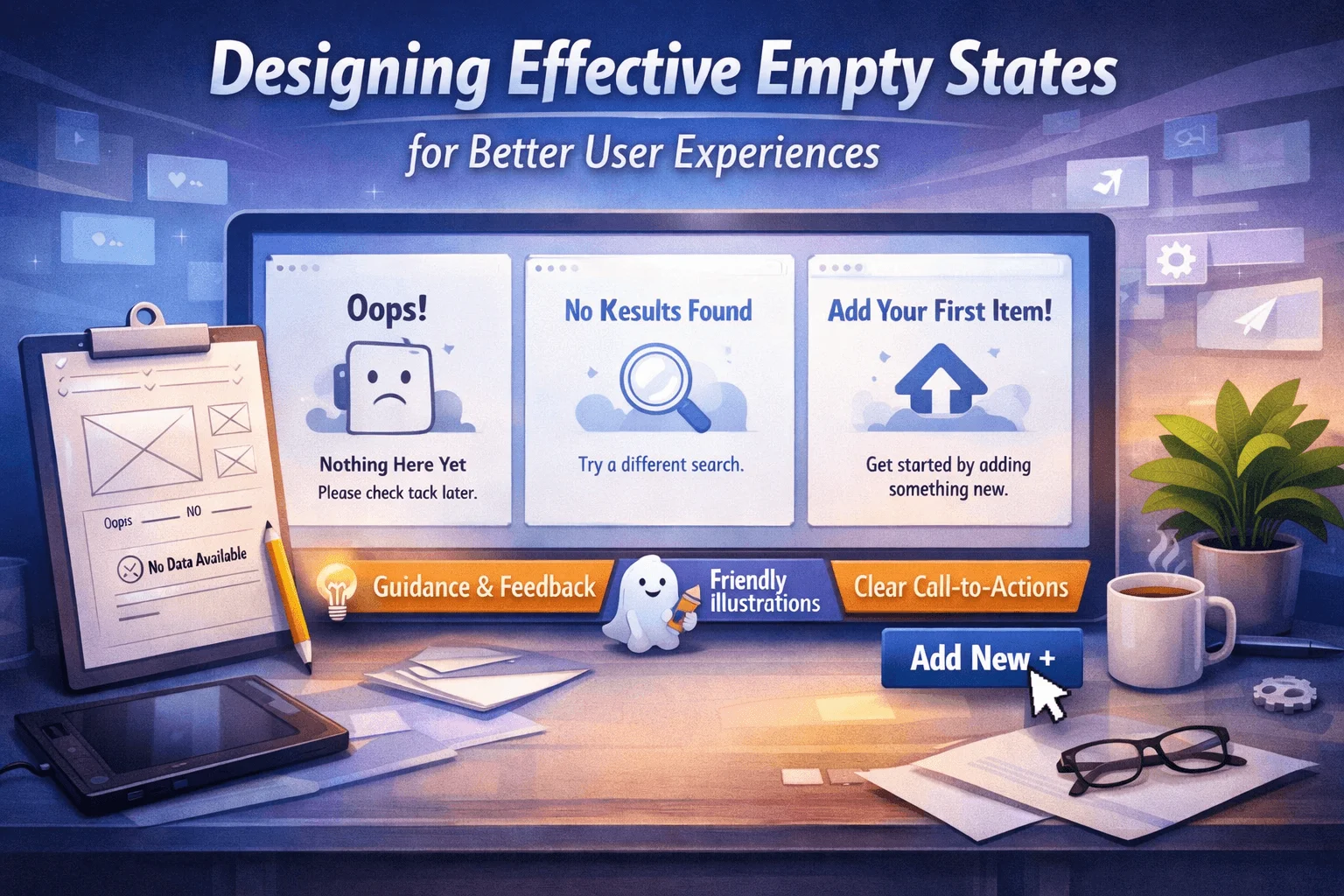
Empty states are pivotal yet often overlooked moments in any digital application. They occur when there is no data to display, such as when new users first interact with a feature, after content has been deleted, or when a user’s search yields no results. When thoughtfully designed, empty states transform uncertainty into clarity, guiding users and encouraging engagement. Explore inspiring examples of empty state UX to see how leading products approach this important design touchpoint.
Empty states are more than just placeholders. They offer a critical opportunity to communicate with users, help set the right expectations, and drive users toward meaningful actions. Rather than leaving users confused, a carefully crafted empty state can steer them toward a successful next step.
From clarifying messaging to reinforcing brand personality through visuals, empty states significantly influence user experience and retention. By making these moments intuitive and actionable, you can help individuals navigate your product effortlessly and with greater confidence.
Creating helpful and engaging empty states is both an art and a science. Drawing on good design principles, usability guidelines, and real-world examples, designers can ensure their empty states add genuine value at every user touchpoint.
Understanding Empty States
Empty states are not just placeholders within your digital products. They act as crucial guideposts that provide orientation during moments when users might otherwise feel lost. Whether a user is setting up a feature for the first time or encounters a transition, such as a completed checklist, the empty state provides guidance, information, and encouragement for the next logical action.
When an empty state is poorly designed, it can frustrate or confuse users, leading to higher abandonment rates. When designed well, it can help embody the brand’s personality and provide an opportunity to delight users, keeping them engaged and informed on their journey through the product. As the Nielsen Norman Group recommends, empty states should always anticipate user needs, offering clarity and direction at each step.
Types of Empty States
Designers encounter several different scenarios for empty states, each serving a unique purpose. Recognizing the type of empty state is essential in providing users with relevant messaging and actions:
- First-Time Use:Occurs when a user accesses a feature with no pre-existing data. The empty state here can serve as an onboarding moment, outlining key benefits and next steps.
- Cleared Data:Appears after users have deleted or finished all items. The focus should be on offering logical actions or reinforcing the benefits of staying organized.
- Filtered Views:Triggered when search queries or filter parameters return zero results. Clarifying why the current state exists—such as “No items match your filters”—and offering guidance can reduce frustration.
- Error States:Caused by system or network errors, preventing data from showing. Informative messaging can empower users to retry or learn more about the issue.
Best Practices for Designing Empty States
To craft effective and user-centric empty states, consider these foundational best practices:
- Provide Context:Explain clearly why the user is seeing an empty state. Avoid ambiguity by stating reasons like, “No results found for your search” or “You haven’t saved any items yet.”
- Offer Guidance:Suggest actionable next steps, such as “Try changing your search terms” or “Create a new project to get started.” This keeps users moving forward.
- Maintain Consistency:Ensure a unified tone, style, and iconography across all empty states. This builds trust and creates a seamless user experience.
- Incorporate Visuals:Use appealing graphics, icons, or illustrations to make the experience more engaging and to visually communicate the situation.
- Keep It Simple:Focus on what matters most. Limit text and avoid clutter to make the message and call to action quick and easy to understand.
Real-World Examples
Leading digital products use empty states to engage and educate. For instance, GitHub’s empty repository page displays a friendly illustration, a direct explanation, and a clear button prompting users to create their first file. This approach makes a potentially confusing moment helpful, creating a positive experience. Similarly, Airbnb uses inviting illustrations and actionable recommendations to help hosts and guests navigate unfamiliar screens with ease.
Another excellent resource for understanding the impact of thoughtful empty states is offered by industry leaders at UX Collective, where case studies and analysis spotlight effective and ineffective designs across apps and platforms.
Common Mistakes to Avoid
Even experienced designers can fall into several traps when creating empty states. Keeping these common mistakes in mind will help you steer clear of frustration for your users:
- Vague Messaging:Generic statements such as “No data available” leave users uncertain about what happened or what action to take. Specific, contextual guidance is always more effective.
- Lack of Actionable Steps:Not offering clear next steps means missed opportunities for engagement. Every empty state should make it obvious what the user can do next.
- Inconsistent Design:Using different styles, tones, or graphics across empty states within the same product causes confusion. Cohesive design increases user confidence and makes navigation intuitive.
Conclusion
Thoughtfully designed empty states are critical for ensuring a positive user experience from start to finish. By offering context, actionable steps, and consistent design, you can guide users through uncertain moments and create pathways for them to engage successfully with your product. Prioritizing these design choices will turn empty moments into some of your most valuable touchpoints, delighting users while supporting your product’s goals.
